

 Turnkey Inside
How to Setup MetaTrader 5 – Setting up MetaTrader 5 (MT5) for your brokerage is one of those tasks that looks simple on the surface but gets more complicated the deeper you go.
Many new brokers underestimate how detailed this setup process can be. I’ve seen people try to run an MT5 platform the same way someone launches a basic website. It doesn’t work that way. MT5 is enterprise-level infrastructure, and it demands planning, correct architecture, and ongoing management.
Read More: MetaTrader Integration: Everything You Need to Know
This guide will walk you through how to setup MetaTrader 5 for your forex brokerage, step by step. The goal is to give you a clear understanding of what you need, where problems usually happen, and how to avoid them.
What Is MetaTrader 5 and Why Brokers Use It
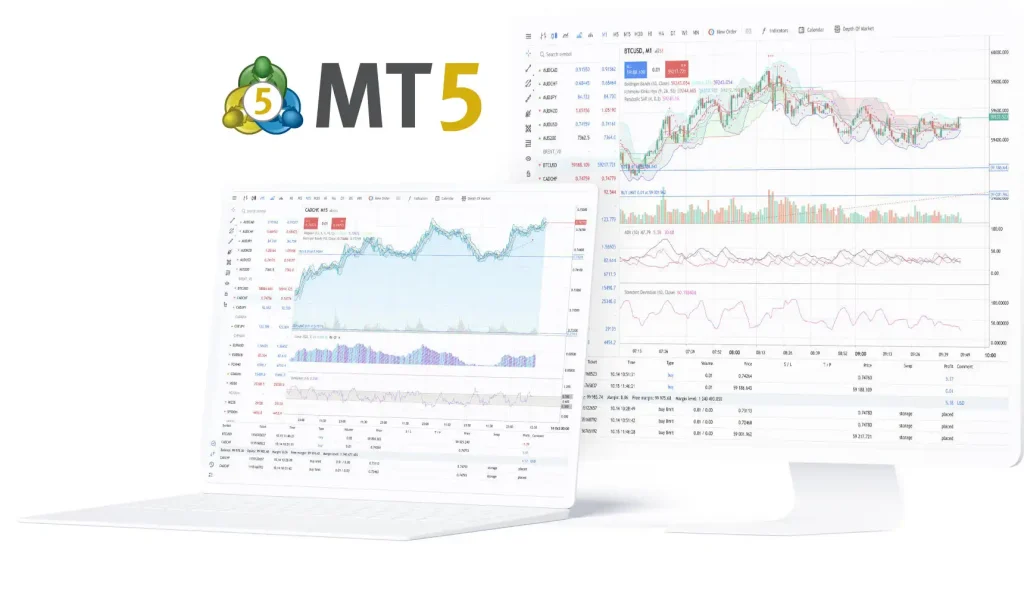
How to Setup MetaTrader 5 – Before diving into the setup, you should understand what MT5 actually gives you. A lot of traders think MT5 is just an updated version of MT4, but from a brokerage perspective, MT5 is far more advanced. It supports:
- Multi-asset trading like forex, commodities, indices, crypto, and equities.
- Depth of Market and exchange-like order execution.
- Faster request handling due to improved 64-bit architecture.
- Better reporting for compliance.
- Integrated hedge or netting modes.
For brokers, MT5 also supports modular architecture, meaning you can scale the system as your business grows. You add servers, nodes, storage, plugins, risk tools, and liquidity integrations over time. That’s why so many regulated brokers rely on MT5 as their main trading platform.
What You Need Before Setting Up MT5
How to Setup MetaTrader 5 – You cannot simply download MT5 and launch a trading business. To run the platform correctly, you need a combination of licensing, hardware, software, and staff.
Here are the main things you must prepare:
1. MT5 Server License
You must purchase the MetaTrader 5 server license directly from MetaQuotes.
2. A Powerful Hosting Environment
Most brokers use dedicated data centers or VPS infrastructure. Latency is important because slow execution creates slippage issues, which traders will complain about.
3. Liquidity Provider or Bridge Technology
To execute trades in the external market, you need either: A prime-of-prime liquidity provider or A bridge system to connect MT5 to liquidity networks.
4. Payment Systems and Client Portal
You need a way for clients to deposit, withdraw, and manage accounts.
5. Technical Staff Who Understand MT5
Most new brokers underestimate how technical MT5 is. It’s not plug-and-play like people imagine.
Step-by-Step: How to Setup MetaTrader 5 for Your Forex Brokerage
How to Setup MetaTrader 5 – Below is the full process, explained in detail, from licensing to going live.
Step 1: Get the MetaTrader 5 License
You can’t run MT5 legally without getting a license directly from MetaQuotes. There are two common ways to do this:
Direct license – You lease MT5 from MetaQuotes. Initial setup will require a one-time setup fee (around $5,000–$15,000), plus a monthly fee starting from $1,000, depending on the number of users and server components.
White Label – You get a sub-license from a licensed provider like TurnkeyInside, which can be much cheaper and way less technical.
The direct route gives you full control, but you also need your own infrastructure. The white-label route offloads most of the complexity but reduces flexibility.
If you’re launching with limited capital and don’t want to deal with hosting, firewalls, and system updates yourself, white label makes more sense.
Step 2: Prepare Your Server Infrastructure
Assuming you’re not using a white label, you’ll need your own MT5 server setup. Here’s a simplified version of what you’ll need:
- Main Trade Server – This is where all trading operations happen.
- Access Server – It connects client terminals to the trade server.
- Backup Server – Critical for redundancy.
- Web Server (optional but common) – To run your brokerage site or client area.
- Admin Workstation – For running the MetaTrader 5 Administrator and Manager applications.
Each server must be on a secure VPS or dedicated server with 99.99% uptime. Ideally, locate your servers near your liquidity provider’s data center (usually London, New York, or Tokyo) to minimize latency.
Step 3: Install MetaTrader 5 Components
Once you get your license, MetaQuotes will send you an installer package. You’ll also receive credentials for the MetaTrader Administrator (for technical management) and MetaTrader Manager (for client management).
Here’s what you need to do:
- Install the MetaTrader 5 Server on your main VPS.
- Configure your symbols, groups, and trading conditions. This part is often misunderstood by beginners , symbols refer to each instrument (EUR/USD, BTC/USD, etc.), and you must connect them to actual price feeds via a data feed or bridge.
- Set up access rights and IP restrictions for internal staff.
- Connect a bridge plugin to your liquidity provider (Prime of Prime). You’ll need credentials and IPs for that too.
This stage is often where brokers get stuck because they don’t fully understand how MT5 handles groups, commissions, swaps, or execution modes. It’s easy to misconfigure it and end up with trades that don’t go to the liquidity provider.
Step 4: Connect a CRM and Client Portal
MT5 doesn’t come with a client dashboard or back office system out-of-the-box. That’s your job. At minimum, you’ll need to integrate:
- A Client Area Portal – for account creation, verification, deposits, and withdrawals.
- A KYC System – to collect and verify documents.
- A CRM – to track leads, manage sales teams, and automate onboarding.
- A Payment Gateway – to accept cards, crypto, and regional payments (UPI, PIX, etc).
There are third-party providers like Match-Trade, UpTrader, and Trader’s Room who provide ready-to-use portals that integrate seamlessly with MT5.
You’ll also need to handle regulatory compliance depending on your jurisdiction (AML, data privacy, etc).
Step 5: Set Up Liquidity and Bridge
Without a liquidity provider (LP), your MT5 platform won’t execute live trades. It would just be a demo system. You’ll need to:
- Sign a liquidity agreement with an LP (they’ll ask for your corporate docs and license).
- Install the bridge plugin provided by the LP or third-party vendor.
- Configure the routing rules (A-Book/B-Book), markups, slippage, and execution speed.
Most beginners struggle here because the bridge setup requires understanding FIX protocol, price aggregation, and how to avoid toxic flow. Make sure you test everything in demo before going live.
Step 6: Test Everything Before Going Live
Before you onboard your first trader, go through multiple test cases:
- Open/close trades
- Test margin calls and stop outs
- Deposit and withdraw real funds
- Test your bridge with LP
- Simulate high-volume traffic
Even small bugs can cause real money issues, like mispriced spreads, faulty swaps, or rejected withdrawals. You don’t want that on day one.
Read More: MT5 vs cTrader vs Match-Trader vs Sirix (Comparison Guide)
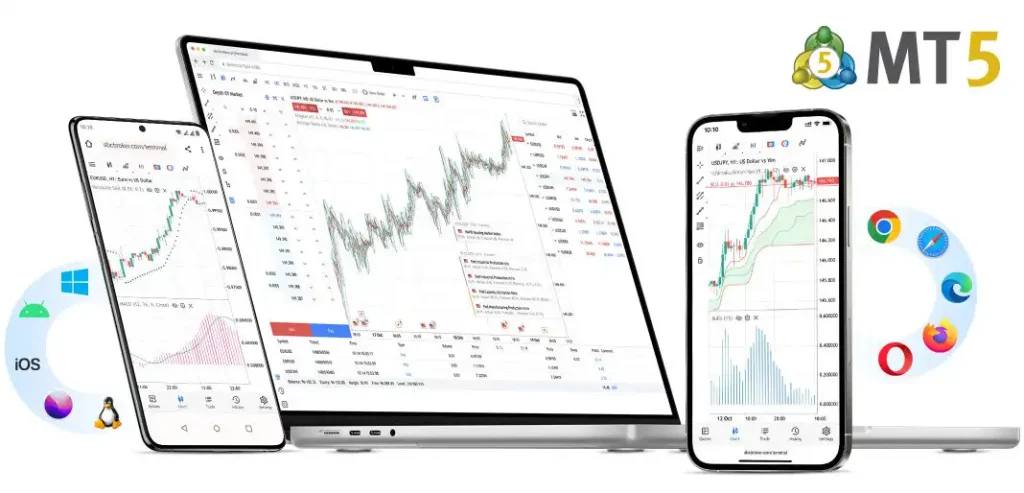
Need Help Setting Up MT5 for Your Brokerage?
How to Setup MetaTrader 5 – Setting up MetaTrader 5 correctly is a technical and time-consuming process. One mistake in symbol configuration or risk settings can cause financial loss or compliance issues.
For 99% of new brokerages, a White Label solution is the logical, fast, and cost-effective choice. It lets you focus on your clients and your marketing, not on server maintenance.
Start your own forex broker with Turnkey Inside now!
